
What if I lost my password?
If you’ve forgotten your password, you can easily reset it:
- Go to https://newyorkchamberx.com/login
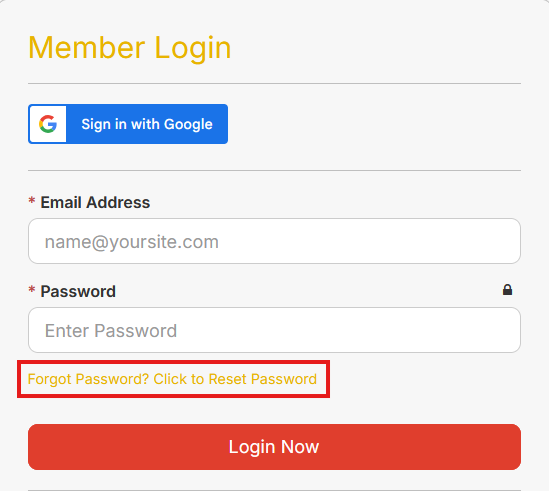
- On the login page, look below the Password field.
- Click the link that says “Forgot Password? Click to Reset Password” (shown in the image).
- Follow the on-screen instructions to reset your password.
If you don’t receive the reset email, please check your spam or junk folder.